Scientific Poster Template
Poster templates designed for scientific conferences in biology, chemistry, physics, engineering, medicine and computing. Choose a billboard layout that puts your main finding front and centre, a classic IMRaD column design, a figure-first layout or an A0 portrait version.
Scientific Poster Template Pack
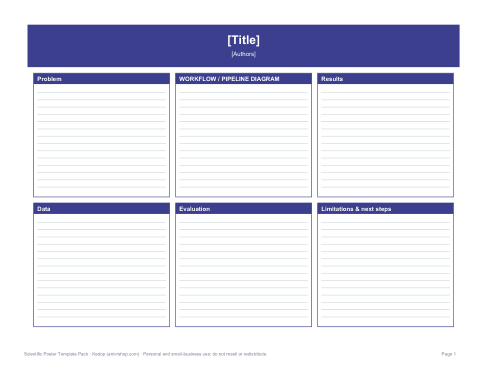
Five STEM poster layouts — billboard main-finding, IMRaD, figure-first, A0 portrait and methods-diagram — plus figure guidelines and a presentation checklist.
- Billboard main-finding layout (PDF, DOCX)
- IMRaD three-column (PDF, DOCX)
- Figure-first four-column (PDF, DOCX)
- A0 portrait (PDF, DOCX)
- Methods-diagram layout (PDF, DOCX)
- Figure guidelines (PDF, DOCX)
- Presentation checklist (PDF, DOCX)
Formats: PDF, DOCX. Instant download after payment (link valid 72 hours, up to 5 downloads). AI-assisted: the templates were drafted with AI help and reviewed and laid out by Kedop.
$9.00 USD, one-time
Secure card checkout by Stripe. Full refund within 7 days — see the refund policy and license.
What makes a scientific poster different
At a busy STEM poster session, most people walk past and decide in a few seconds whether to stop. Scientific posters therefore work best when the main result is readable from several metres away and the supporting detail — methods, statistics, controls — is available for the people who stay. These templates are built around that idea: a large title or central finding, figures given the most space, and compact methods and references.
Layouts in the pack
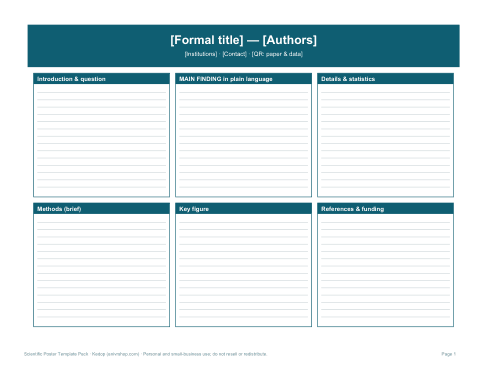
- Billboard (main-finding) layout — a large central statement of the key result in plain language, with a supporting figure and side columns for details and methods; inspired by the “better poster” approach many scientists now use.
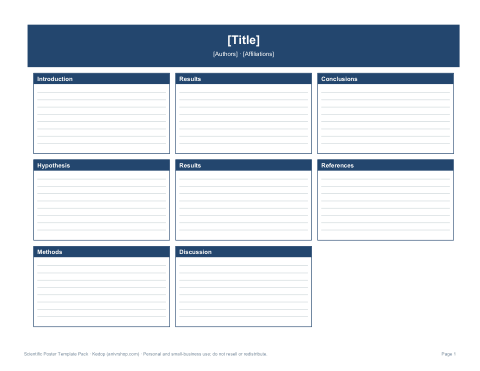
- IMRaD three-column — Introduction, Methods, Results and Discussion in reading order, the conventional structure most reviewers expect.
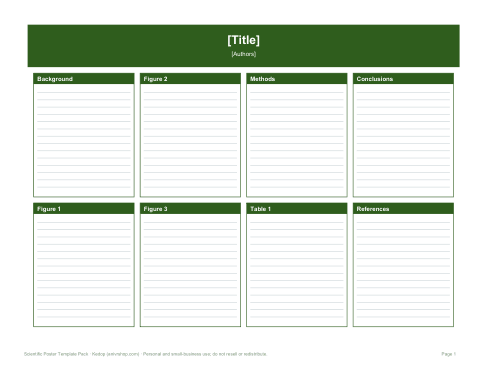
- Figure-first four-column — dominated by figures and tables for data-rich results.
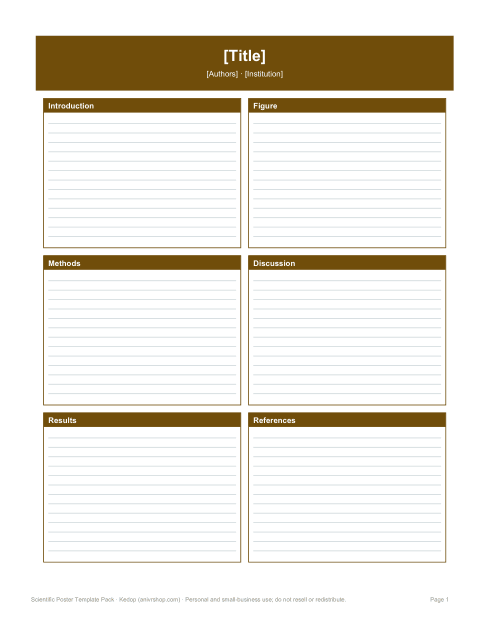
- A0 portrait — for European and Asian conferences that use portrait boards.
- Methods-diagram layout — a central flow chart for engineering, computational or clinical-trial workflows.
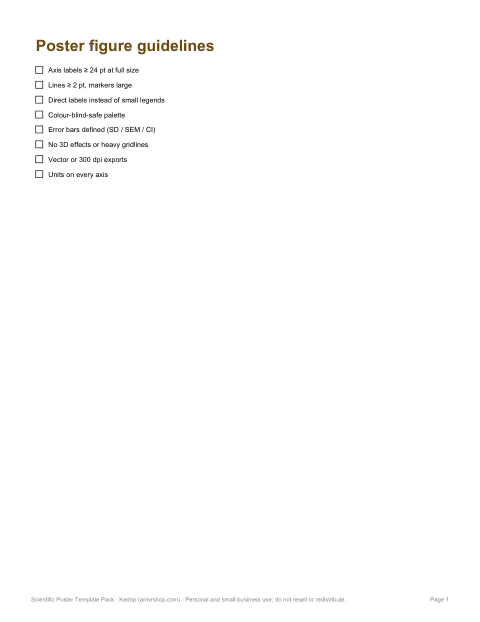
- Figure guidelines sheet — minimum text sizes, line weights and colour-blind-safe palettes.
- Presentation checklist — from abstract acceptance to taking the poster down.
Designing figures for posters
- Make axis labels and tick labels large — at least about 24 pt at full poster size.
- Use thick lines and large markers; thin lines disappear from a distance.
- Label data directly on the figure rather than relying on a small legend.
- Choose colour-blind-safe palettes and do not rely on red versus green alone.
- Show error bars and state what they represent (SD, SEM or confidence interval).
- Remove chart junk: unnecessary gridlines, 3D effects and shading.
- Export figures as vector graphics (PDF or SVG) or at 300 dpi at final size.
Writing the key-finding statement
The billboard layout depends on one sentence that states your main result in plain words, such as “Drug X reduced tumour growth by half in mice” or “Our method cut simulation time from hours to minutes”. Write it as a finding, not a topic, with a number if you can. Test it on a colleague from another field: if they understand it in five seconds, it works. The title bar can then hold the formal title and authors.
Sizes and export
| Board | Size | Template to use |
|---|---|---|
| US conference | 48 × 36 in landscape | Billboard, IMRaD, figure-first |
| US portrait boards | 36 × 48 in | A0 portrait layout scaled |
| Europe / Asia | A0 portrait (841 × 1189 mm) | A0 portrait |
| Virtual / e-poster | 16:9 screen | Billboard layout works well |
The Word templates are built at a smaller page size with correct proportions, so the exported PDF scales up without distortion. Check the conference instructions for exact dimensions, and print a small proof on Letter or A4 to check readability before the full-size print.
Adding a QR code
A QR code linking to your paper, preprint, code repository or a PDF of the poster lets visitors take the details with them. Place it near the bottom right with a short label such as “Paper & data”. Test it with several phones before printing, make it at least about 2 inches (5 cm) wide on the final poster, and use a stable link such as a DOI or institutional repository address.
Formats
Each layout is an editable DOCX file with a PDF preview, and the guideline and checklist sheets are Word and PDF. Many scientists assemble the final poster in PowerPoint, Illustrator or LaTeX; use the PDFs as a layout guide in any of those tools. Figures and institutional logos are not included.
Presenting at the session
Prepare a 30-second summary that starts with the main finding, a two-minute version that walks through one key figure, and answers to the two or three questions you expect. Stand beside the poster rather than in front of it, invite people in with a short question, and have a way for them to follow up — business cards, the QR code or a sign-up sheet. Many conferences also ask presenters to upload a PDF version, so export a lightweight copy alongside the print file.
Frequently asked questions
What is a billboard or “better poster” layout?
A design that puts the main finding in large plain text at the centre, with details in side columns, so passers-by get the message instantly.
What font size should poster text be?
Titles roughly 85 pt or more and body text at least about 24 pt at full size.
Can I use these for a medical or clinical poster?
Yes; check the conference's rules on required sections such as disclosures and ethics approval.
Do the templates include figures?
No, they include placeholders for your own figures and logos.
Was AI used to make the templates?
The layouts and guides were drafted with AI assistance, then reviewed and formatted by Kedop.